
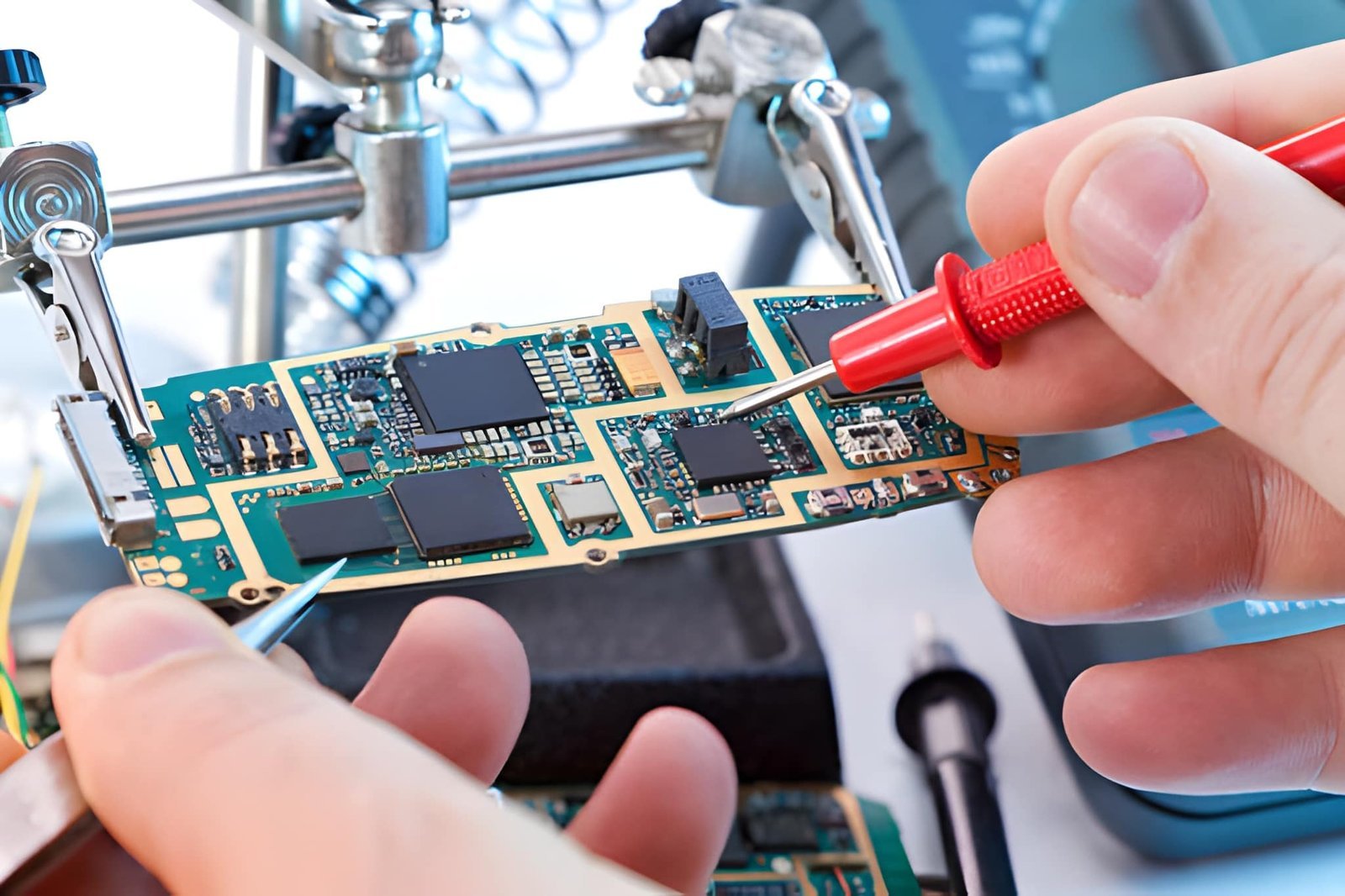
The Power of Mobile Repair Skills
In today’s digital world, smartphones are not just devices—they are lifelines. When a phone stops working, people don’t just lose a gadget; they lose access to communication, business, finances, and daily life. This is why mobile phone repair has become one of the most in-demand technical skills globally.
Learning phone repair is not only about fixing devices. It is about understanding technology, diagnosing problems, and applying precise solutions. With proper training, this skill can become a high-income profession or business.
This complete guide will take you from basic understanding to advanced repair techniques, covering hardware, software, troubleshooting, and professional practices.
MODULE 1: Understanding Smartphone Anatomy
What is Inside a Smartphone?


4
Before repairing a phone, you must understand its internal structure.
A smartphone consists of several key components:
- Display (LCD/OLED)
- Battery
- Motherboard (logic board)
- Charging port
- Camera modules
- Speakers and microphone
- Sensors and connectors
Each component works together. If one fails, it can affect the entire device.
Understanding these parts is the foundation of repair.
Essential Tools and Setup
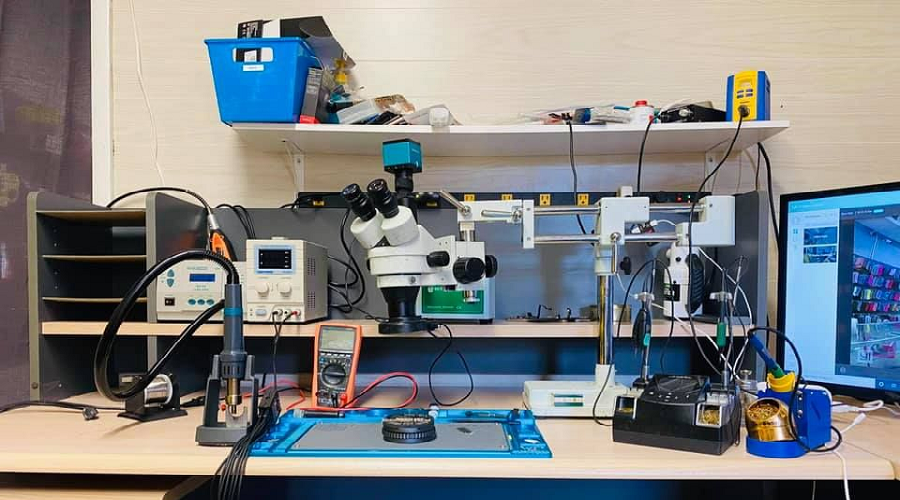
Professional Mobile Repair Toolkit


4
A professional technician must use proper tools.
Basic tools include precision screwdrivers, pry tools, tweezers, suction cups, and brushes. Advanced tools include multimeters, soldering stations, and microscopes.
Your workspace should be clean, well-lit, and static-free.
Diagnosis – The Most Important Skill
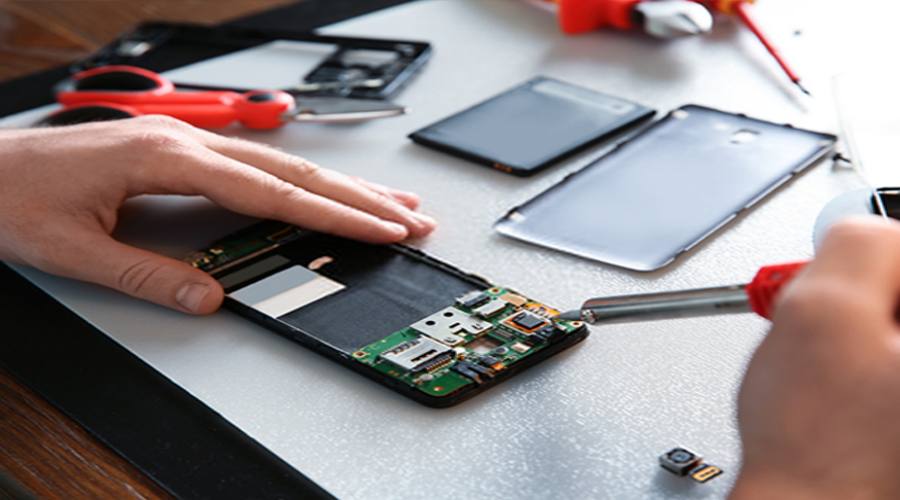
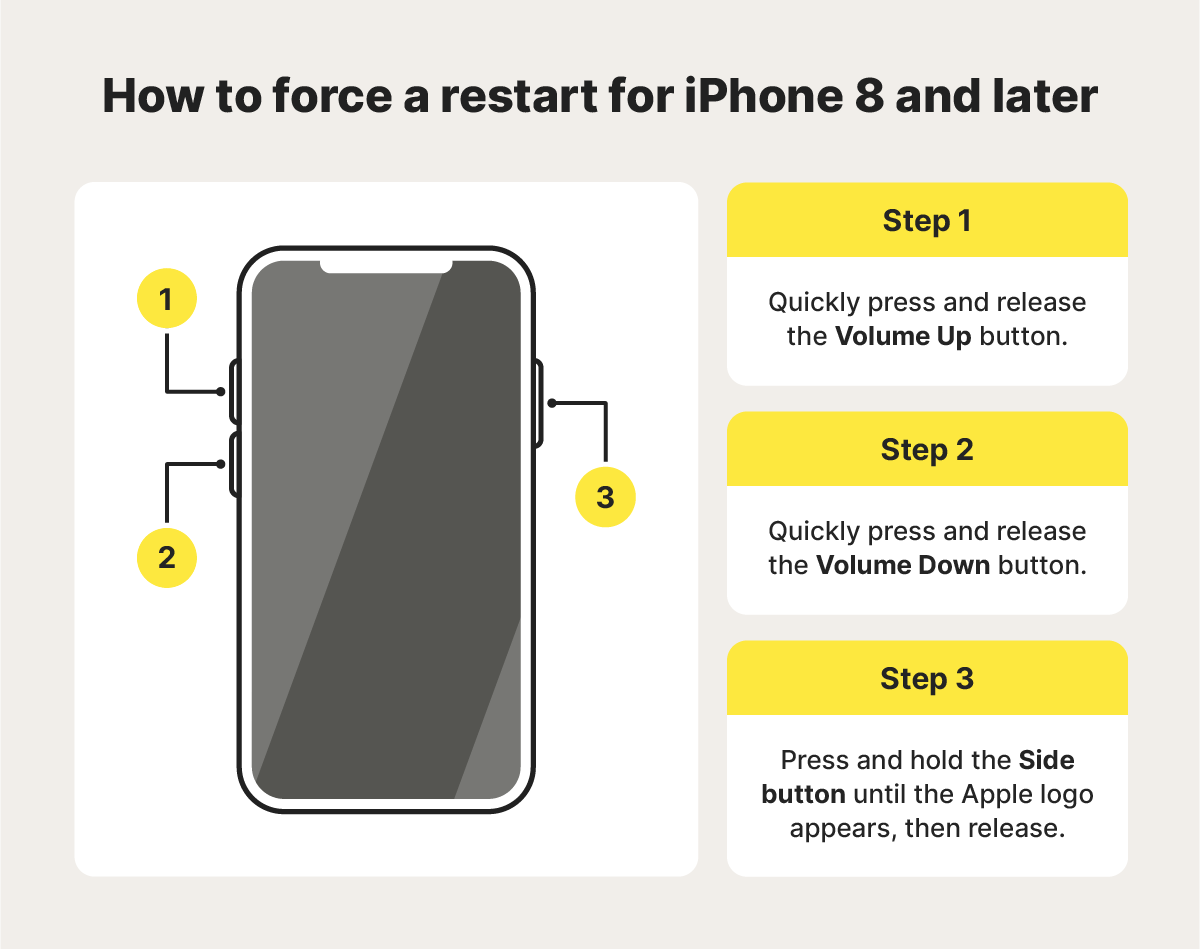
How to Identify Phone Problems

4
Diagnosis is the most critical step in repair.
A wrong diagnosis leads to wasted time and money.
Common symptoms:
- Phone not turning on
- Screen not working
- Battery draining fast
- Charging issues
- Overheating
A good technician always diagnoses before repairing.
MODULE 4: Disassembly Techniques
Opening Modern Smartphones Safely
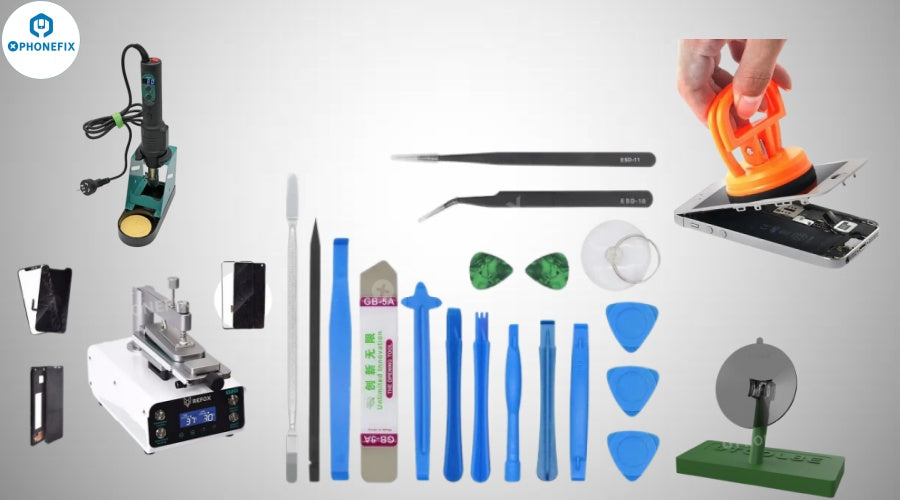


4
Modern phones are sealed tightly.
Steps:
- Heat edges to soften adhesive
- Use suction cup to lift panel
- Insert pry tool gently
- Open slowly without damaging flex cables
Patience is key. Rushing causes damage.
Display Repair Mastery
Fixing Cracked Screens

4
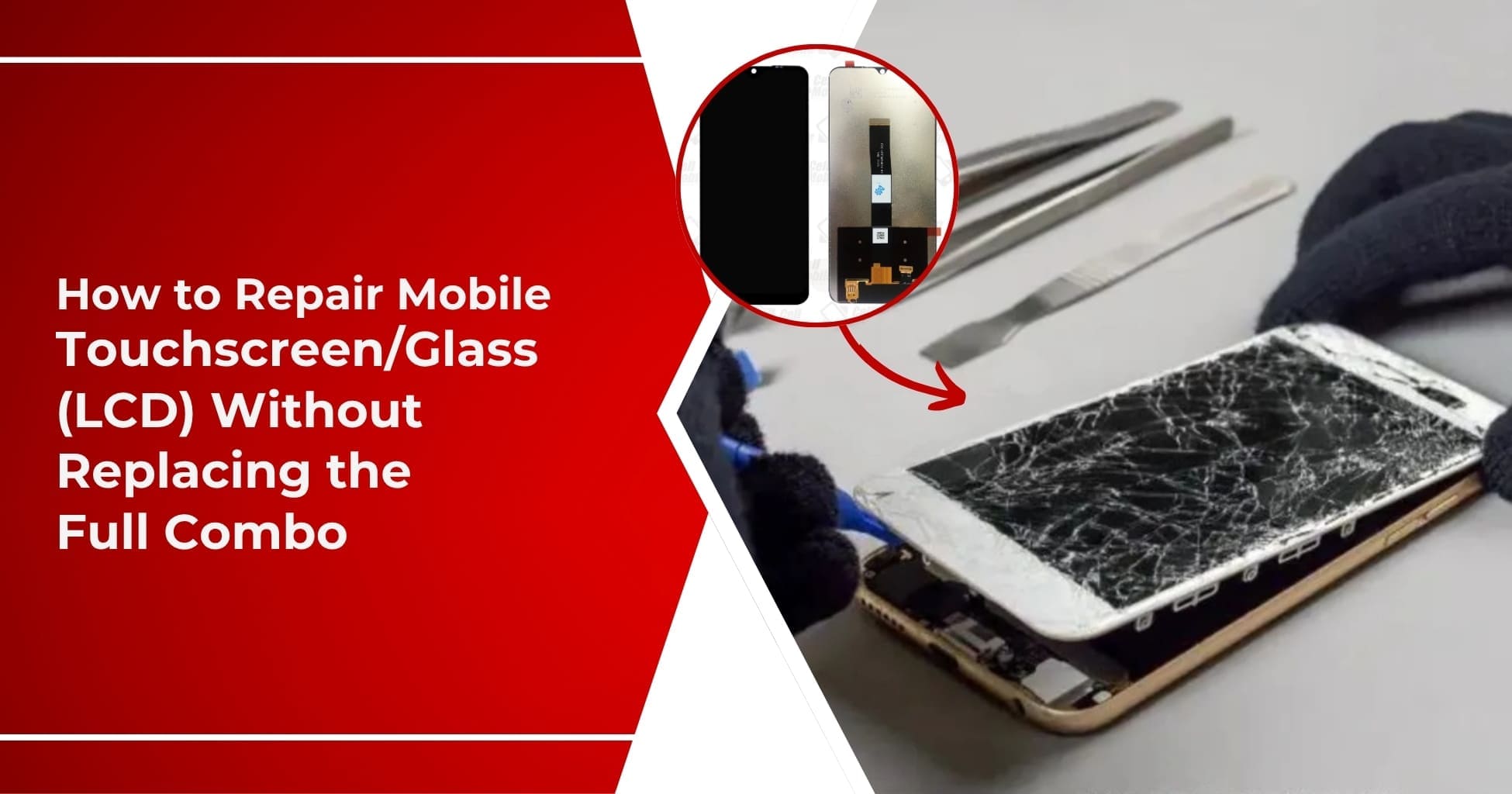
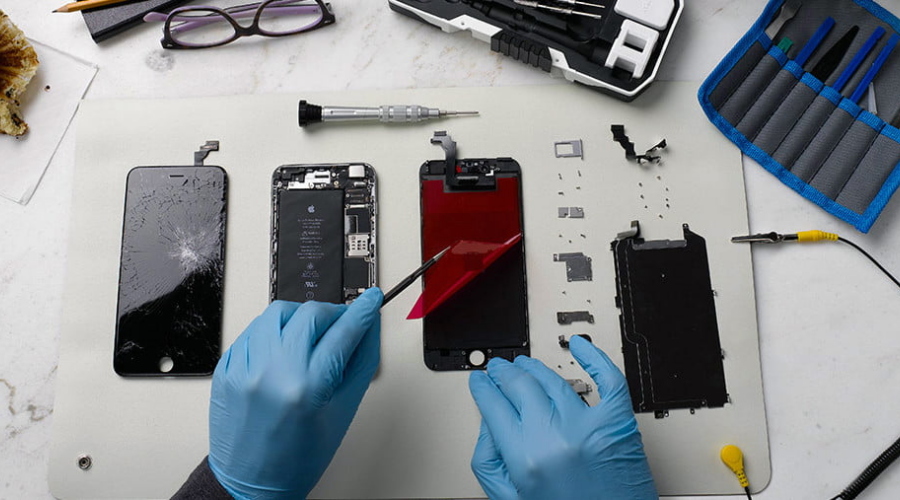
Screen repair is the most common job.
Steps:
- Remove broken display
- Disconnect flex cables
- Clean adhesive
- Install new screen
- Test before sealing
Always use high-quality displays for best results.
Battery Repair and Replacement
Solving Power Issues


4
Battery problems include:
- Fast draining
- Not charging
- Swelling
Steps:
- Disconnect battery
- Remove safely
- Replace with new unit
Never puncture a battery—it can be dangerous.
MODULE 7: Charging Port Repair
Fixing Charging Issues


4
Charging issues are common.
First, clean the port. If damaged, replace it.
Some ports require soldering, which needs skill.
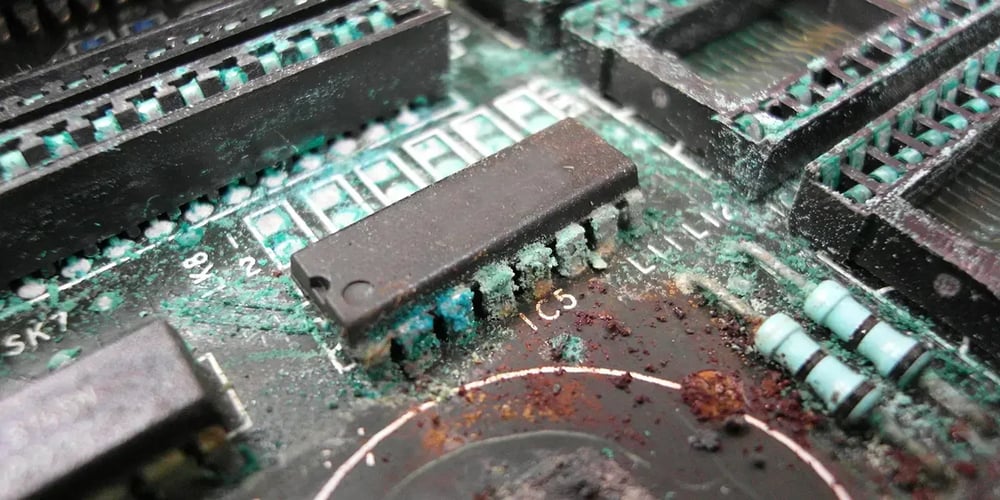
Water Damage Repair
Saving a Wet Phone

4
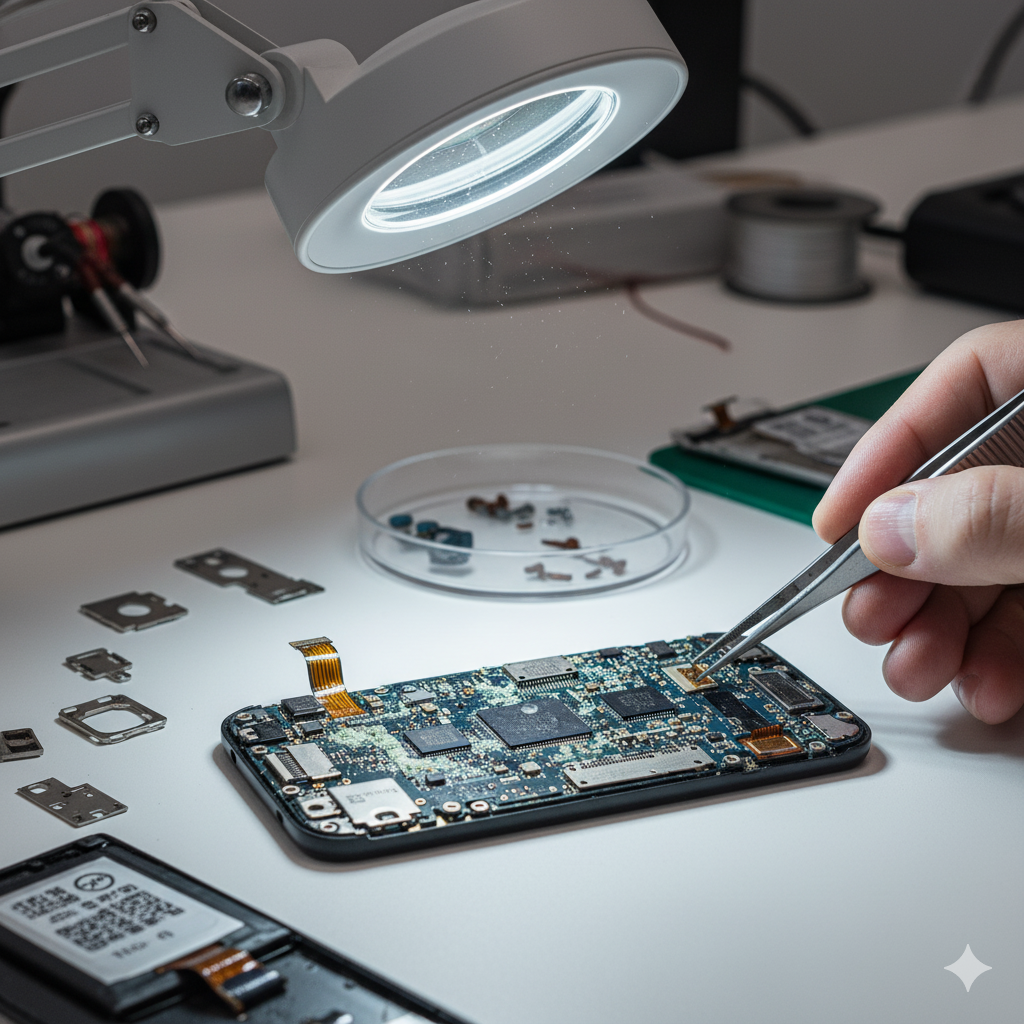
Steps:
- Turn off immediately
- Open phone
- Clean with alcohol
- Dry completely
Water damage requires fast action.
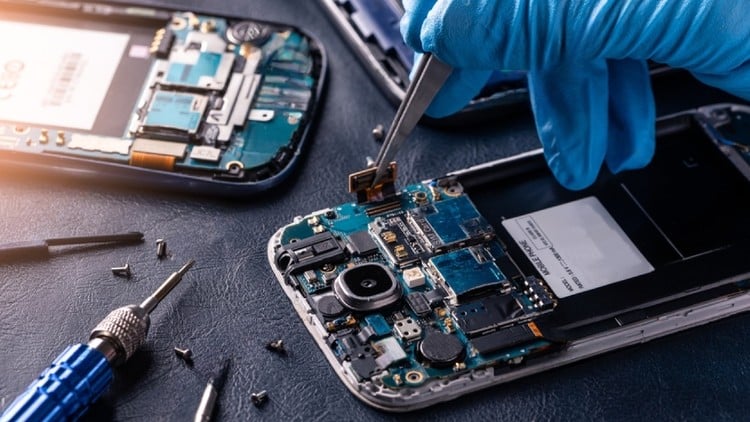
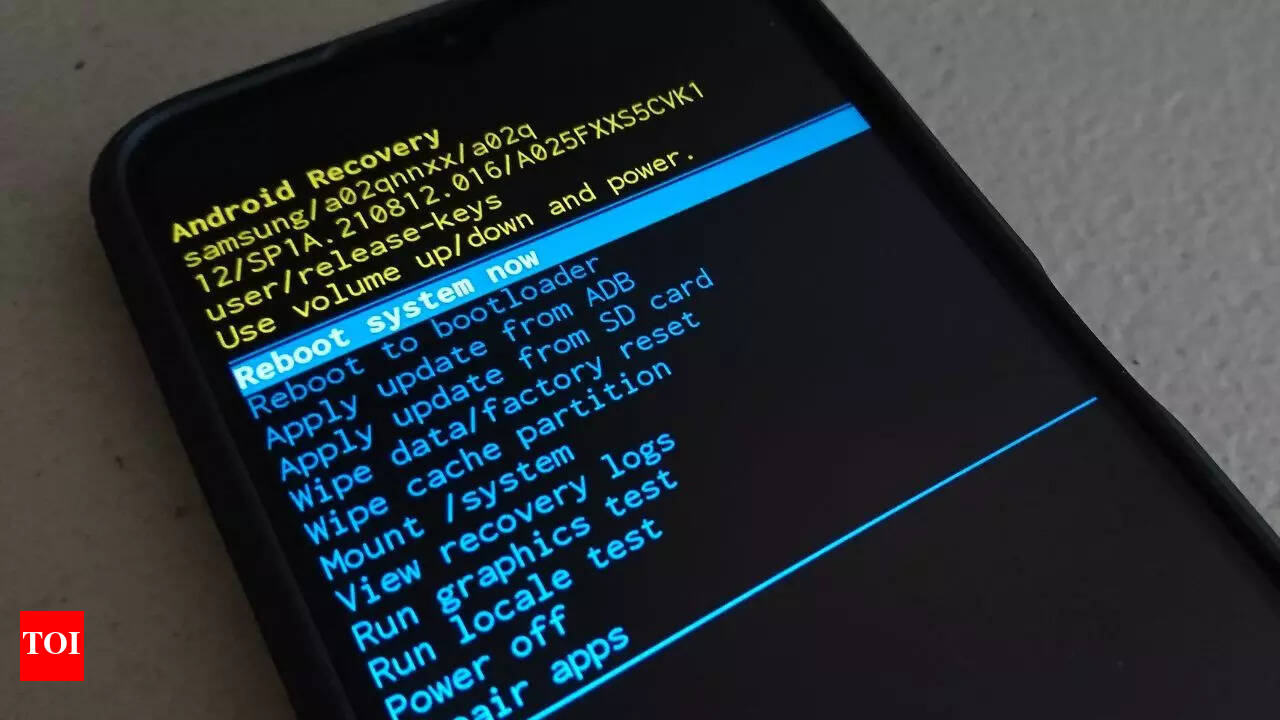
MODULE 9: Software Repair Techniques
Fixing System Problems

4
Software issues include:
- Hanging
- Boot loops
- Virus problems
Solutions:
- Factory reset
- Software update
- Flash firmware
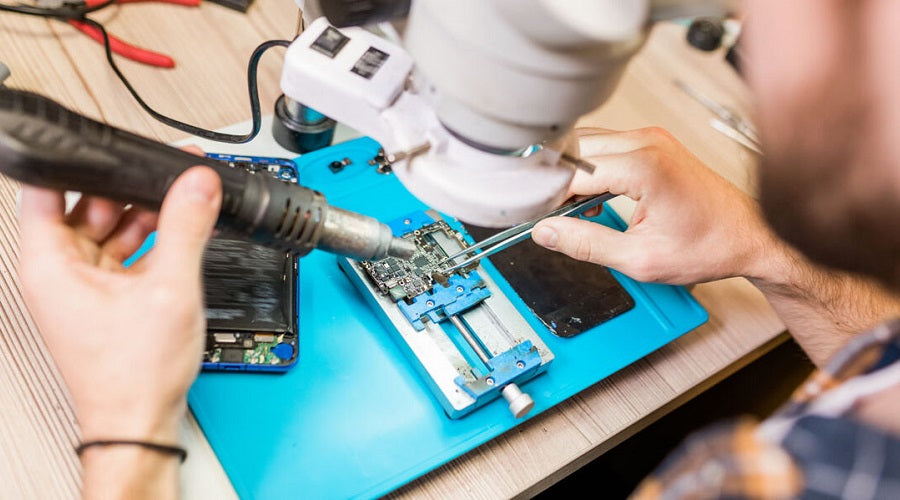
MODULE 10: Advanced Repairs (Professional Level)
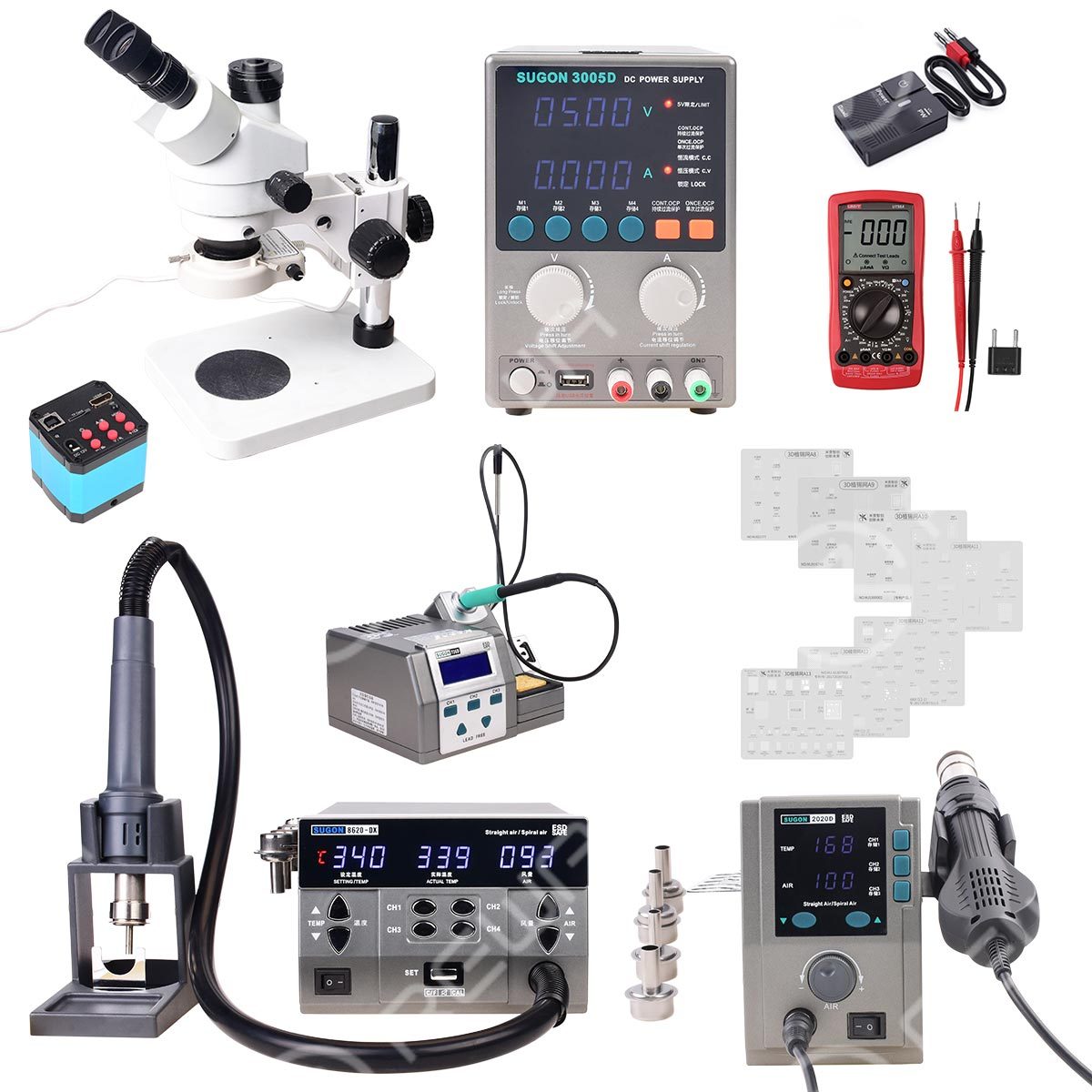
Motherboard Repair Basics

4
Advanced repairs include:
- IC replacement
- Circuit tracing
- Micro soldering
These require training and experience.
MODULE 11: Testing and Quality Check
After repair:
- Check display
- Test battery
- Verify charging
- Test camera and sound
Never deliver a phone without testing.
MODULE 12: Starting Your Own Mobile Repair Business
Mobile repair is a high-demand business.
You can:
- Open a shop
- Work freelance
- Offer doorstep service
Initial investment is low, but returns are high.
MODULE 13: Common Mistakes to Avoid
- Using wrong tools
- Skipping diagnosis
- Damaging flex cables
- Using low-quality parts
- Not testing device
Avoiding these makes you professional.
MODULE 14: Safety and Professional Ethics
Always:
- Use safe tools
- Protect customer data
- Be honest with pricing
- Maintain professionalism
Trust is everything in this business.
Final Conclusion: From Beginner to Expert
Mobile phone repair is not just a skill—it is a career, a business, and an opportunity.
With practice, patience, and continuous learning, anyone can become a professional technician.
This guide has given you a complete roadmap—from basic repairs to advanced techniques.
Now the next step is action.